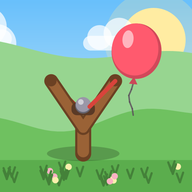
 Pebble Pop
Pull back, aim, let fly. Pop the sky full of balloons, lanterns and stars, and spare the songbirds.
- Free to play
- Works offline
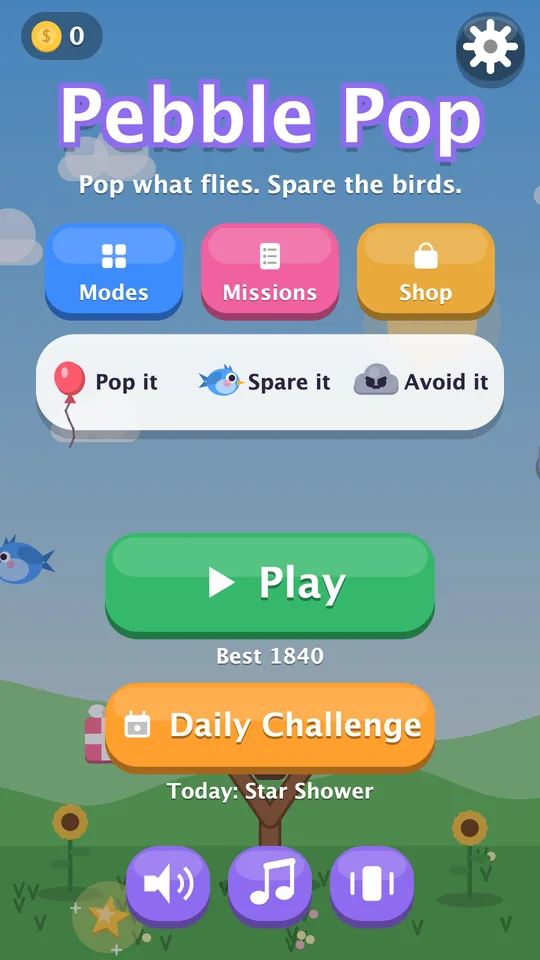
One thumb. One slingshot.
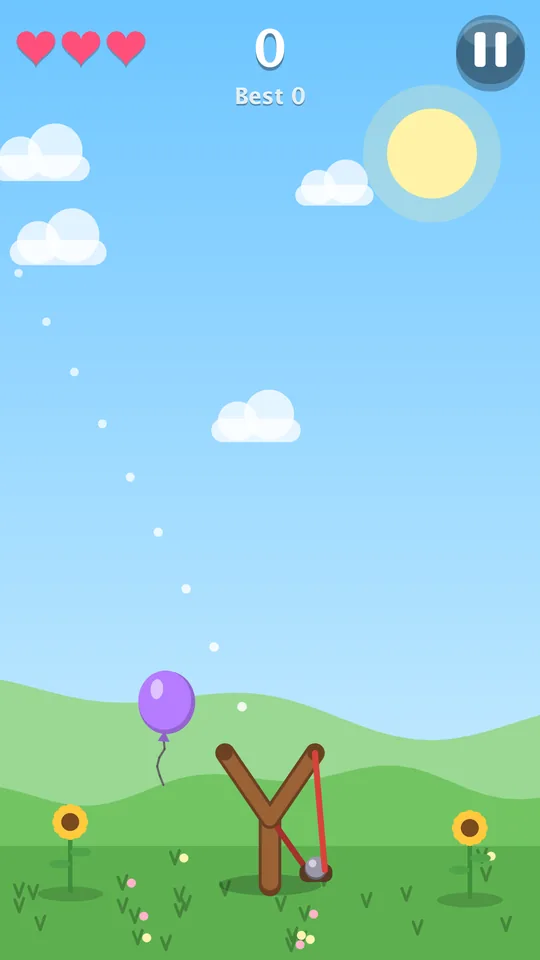
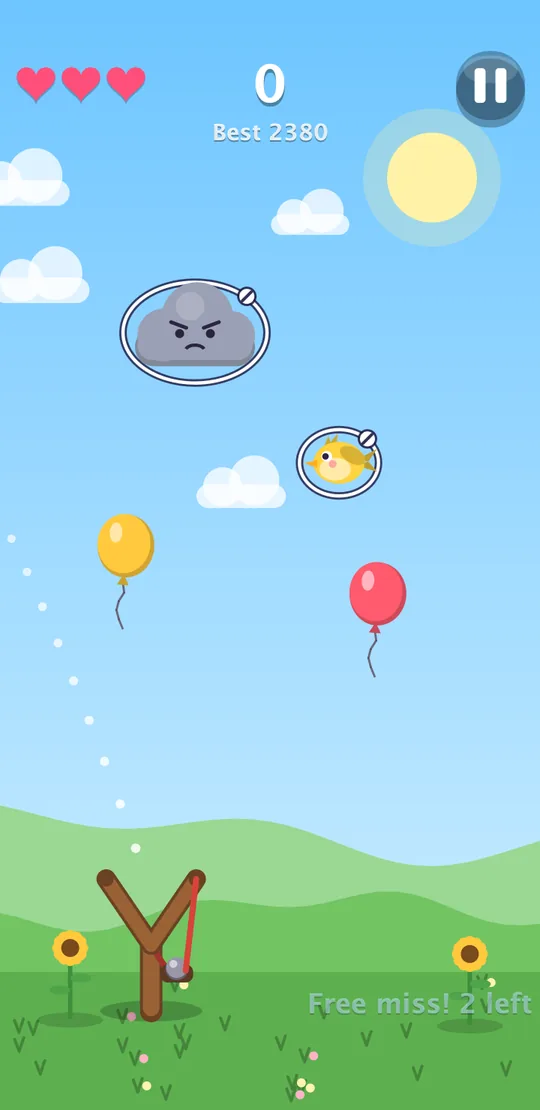
Things get tossed into the sky. Drag back anywhere on the screen to stretch the slingshot, follow the dotted arc, and let go.
Pull back
Drag anywhere. The further you pull, the harder the pebble flies.
Aim the arc
The dotted line shows where your pebble will go. Line up a whole row.
Let fly
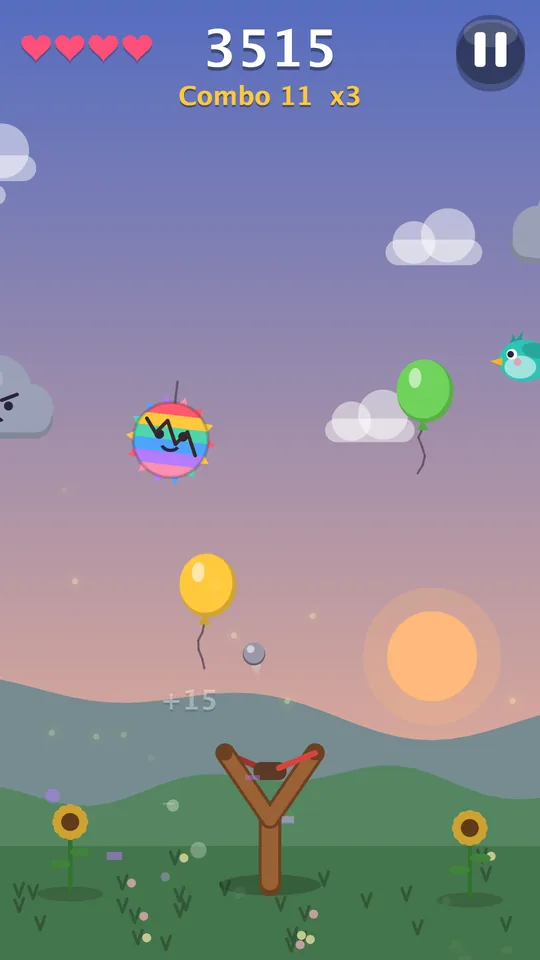
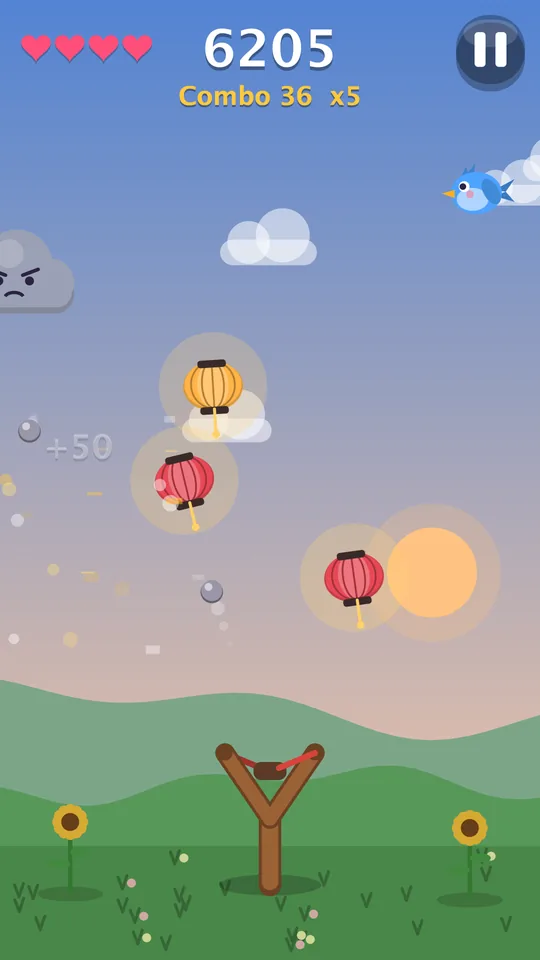
Your pebble keeps going after a pop, so one great shot can clear the sky and build your combo to x5.
Pop it
Balloons, lanterns, gift boxes and golden stars.
Spare it
Songbirds. Hit one and you lose a heart.
Avoid it
Storm clouds jam your slingshot for a moment.
Grab it
Heart balloons give you a heart back.
From morning to starlight
Every level the sky gets busier and the day rolls on, from bright morning to golden sunset to a starry night where the paper lanterns glow.
Plenty to come back for
Quick rounds when you have a minute, and enough depth to chase a high score all week.
Daily Challenge
A new sky every day, the same for everyone, with its own twist: Star Shower, Piñata Party, Gift Rush, Busy Birds and more. Keep your streak going.
Five modes
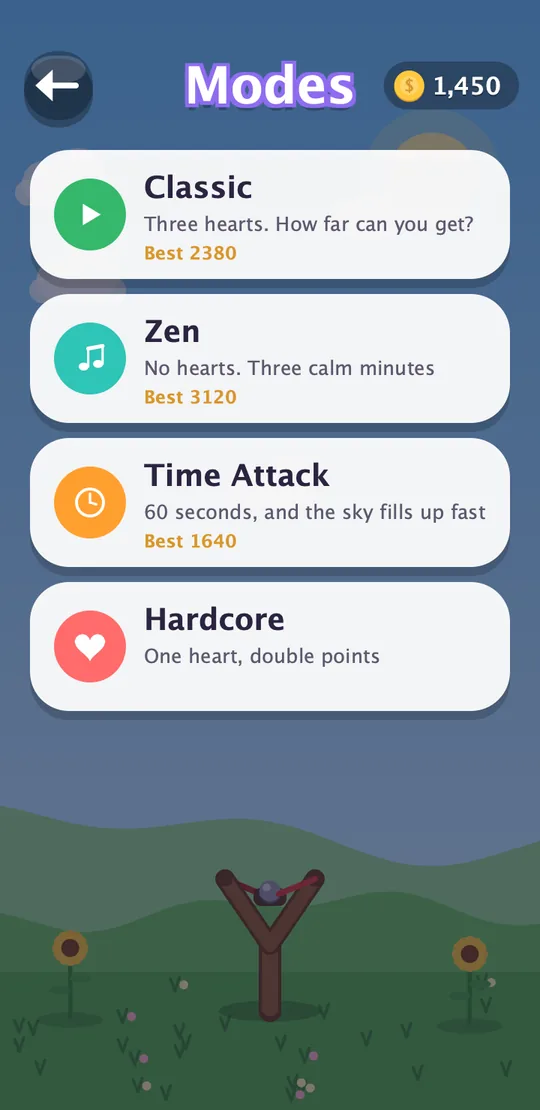
Classic, Daily Challenge, Zen (no hearts, just calm), Time Attack (60 seconds) and Hardcore (one heart, double points).
Boss targets
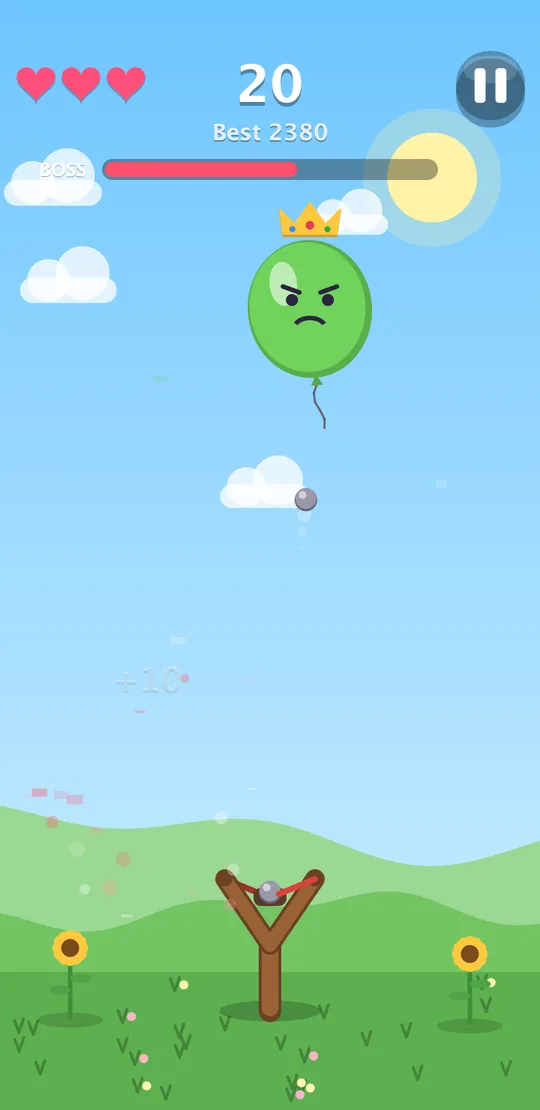
Giant balloons and the King Piñata turn up every few levels with a health bar. Beat them for big points and coins.
Power-ups
Triple Shot, Boulder (smashes through storm clouds) and Slow-mo float by in bubbles. Pop one to use it.
Missions
“Triple pop 3 times”, “Beat a boss”, and more. Each pays coins, and a new one arrives as soon as you finish.
Seasons and holidays
Spring petals, summer fireflies, autumn leaves and winter snow, plus Halloween, Christmas, New Year, Valentine’s, Easter and more.
Leaderboards
High Scores and today’s Daily Challenge on Google Play Games, if you’re signed in.
Cloud save
Sign in to Google Play Games and your coins, unlocks and records follow you to a new phone.
Share your score
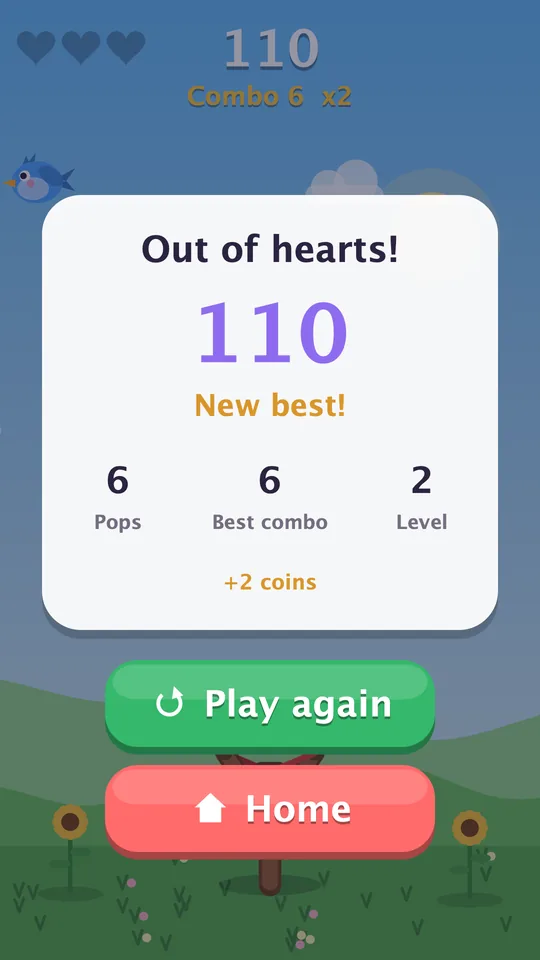
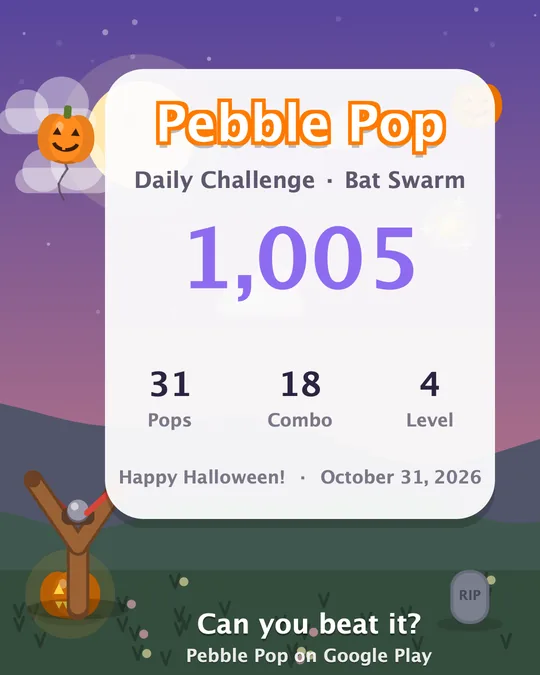
Send a score card picture to friends from the round-over screen, through Android’s share sheet.
Made for every hand
Small touches so more people can play comfortably.
- Left-handed? Move the slingshot to the left, middle or right.
- Colour-blind friendly. Turn on rings round everything you shouldn’t hit, so telling a bird from a balloon never depends on colour.
- A gentler start. Your first rounds forgive a few misses while you get the feel.
- Your way. Sound, music and vibration each switch off on their own.
Make it yours
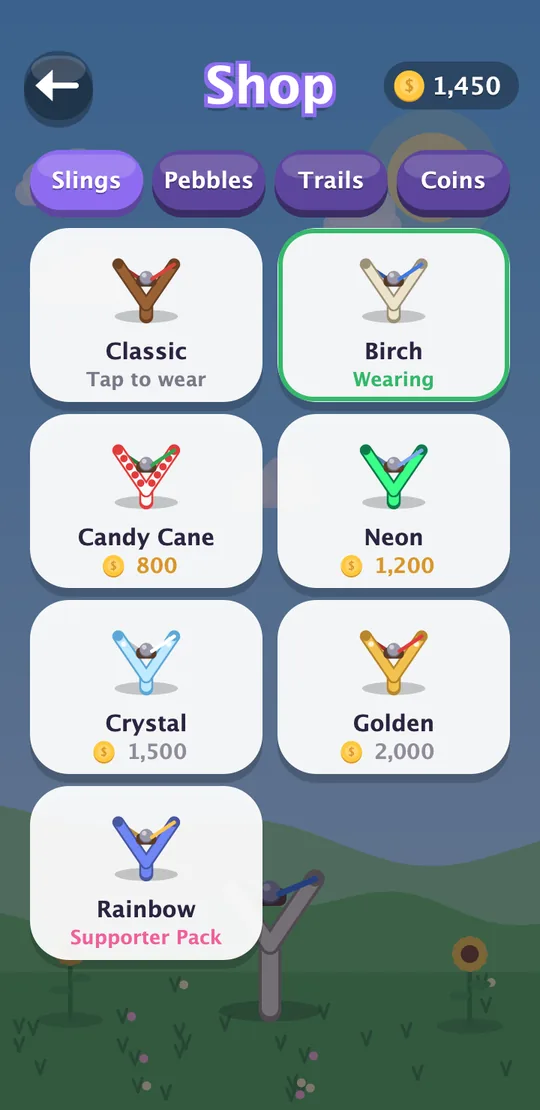
Earn coins from every round and every mission, then spend them in the shop.
- Slingshots: Candy Cane, Neon, Crystal, Golden and more
- Pebbles: Marble, Gem, Fireball and more
- Trails: Sparkle, Hearts, Fire, Rainbow and more
- Holiday sets for Halloween, Christmas, Valentine’s Day and the Fourth of July
- The Pebble Pass: a new season every three months, with free rewards for everyone and an optional premium track
- Optional coin packs, a Starter Pack, a Coin Doubler and a Supporter Pack. Purchases are cosmetic only: there’s nothing to buy to win, and no subscriptions.
Your game, not your data
You can play without creating a Pebble Pop account. Versions with advertising enabled use Google AdMob. Your progress lives on your phone. If you choose to sign in to Google Play Games, your scores and a backup of your progress go to Google for the leaderboards and cloud save.
Questions
Is Pebble Pop free?
Yes. The whole game is free to play. Every purchase is optional and cosmetic. The regular slingshots, pebbles and trails can all be earned with coins from playing, and the Pebble Pass free track pays coins to everyone. Exclusives come from the Supporter Pack, Starter Pack, holiday sets and the premium Pebble Pass.
Does it have ads?
In versions with ads enabled, an occasional ad may appear after a Classic round. See advertising and your privacy choices.
Do I need an account or the internet?
No. The game works offline with no account. Google Play Games sign-in is optional and only needed for leaderboards and cloud save.
Which phones does it run on?
Phones and tablets running Android 8.0 or newer.
What is the Pebble Pass?
A season of rewards that changes every three months (Aurora, Blossom, Sunburst, Harvest). Every round, mission and your first Daily Challenge each day fill the pass, and each of its ten tiers pays coins to everyone. The optional premium track adds more coins and an exclusive pebble, trail and slingshot for that season. It’s a one-time purchase per season, not a subscription, and buying it mid-season pays every tier you’ve already reached.
How do I move my progress to a new phone?
Sign in to Google Play Games on your old phone (Settings → Cloud save). Install Pebble Pop on the new phone with the same Google account and your progress comes back on first launch. One-time purchases (Supporter Pack, Starter Pack, Coin Doubler, holiday sets, Pebble Pass) are also restored from Google Play on any phone signed in with the account that bought them.
I bought something and didn’t get it.
Restart the game while online: unfinished purchases are completed on the next launch. If it still isn’t there, email [email protected] with your Google Play order number (it starts with GPA.). Refunds are handled through Google Play.
Is it suitable for kids?
The game is cartoon-style with no blood or scary content (rated Everyone / PEGI 3), but it’s designed for players 13 and up because of the optional Google Play Games sign-in and in-app purchases. Younger players should play with a parent’s help and Google Play’s parental controls.